
Vinted PostNL label ready for your label printer
In the Netherlands Vinted often picks PostNL. The file is then an A4 with explanation at the top and the real label lower on the page. LabelFit finds that PostNL block and drops the rest.
- PostNL via Vinted
- No PostNL login
- A4 or 100×150 mm
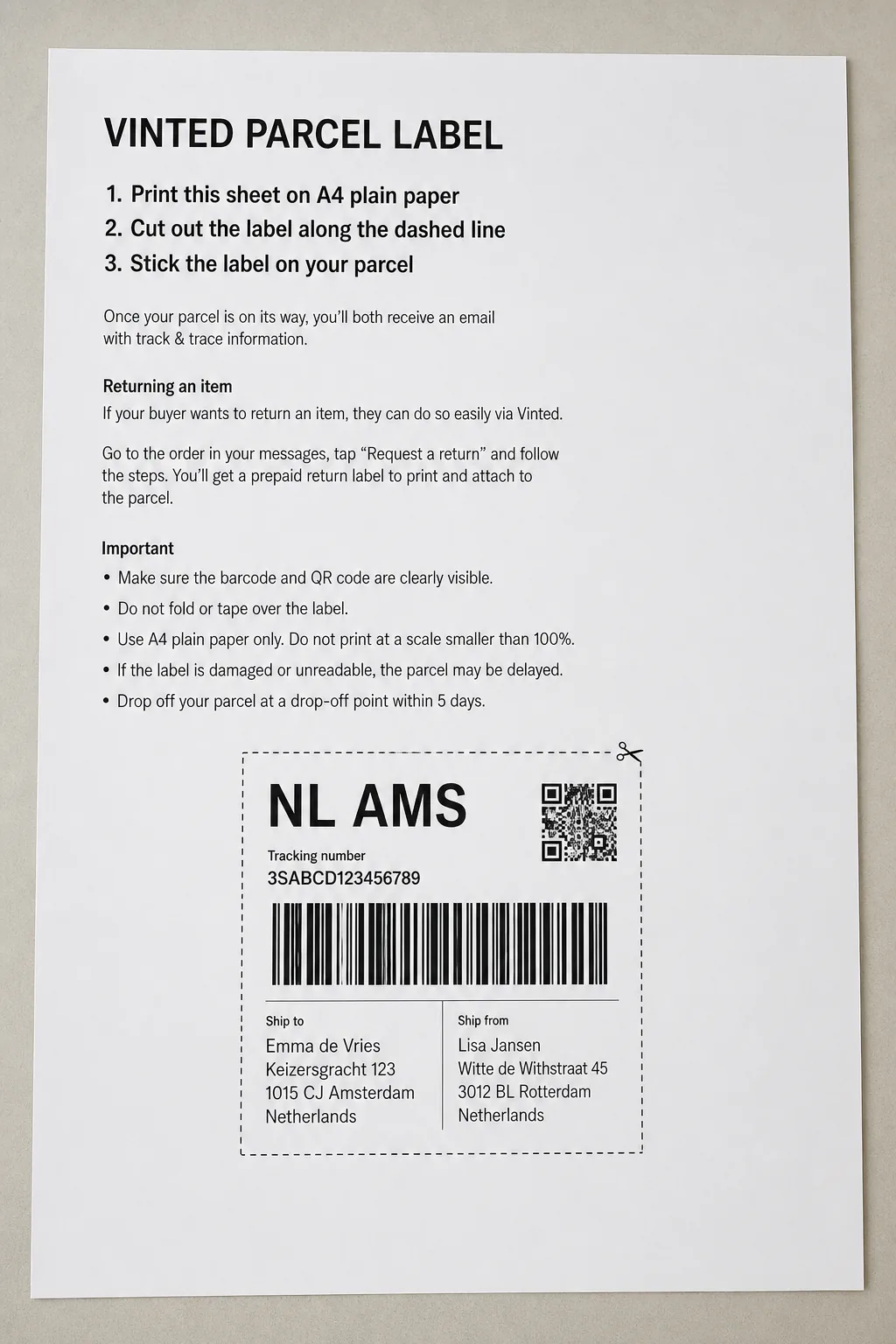
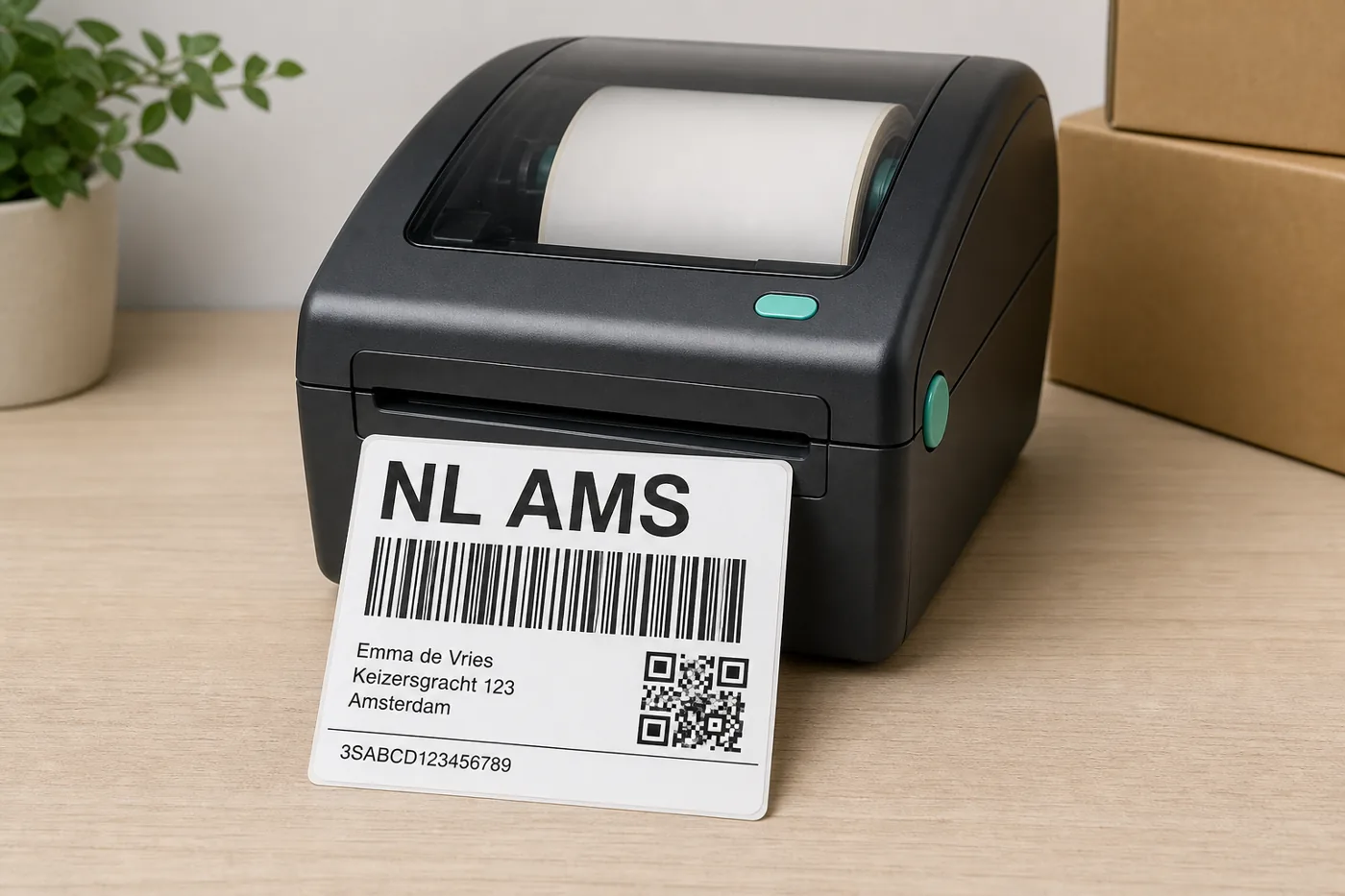
The PostNL block, without the Vinted explanation
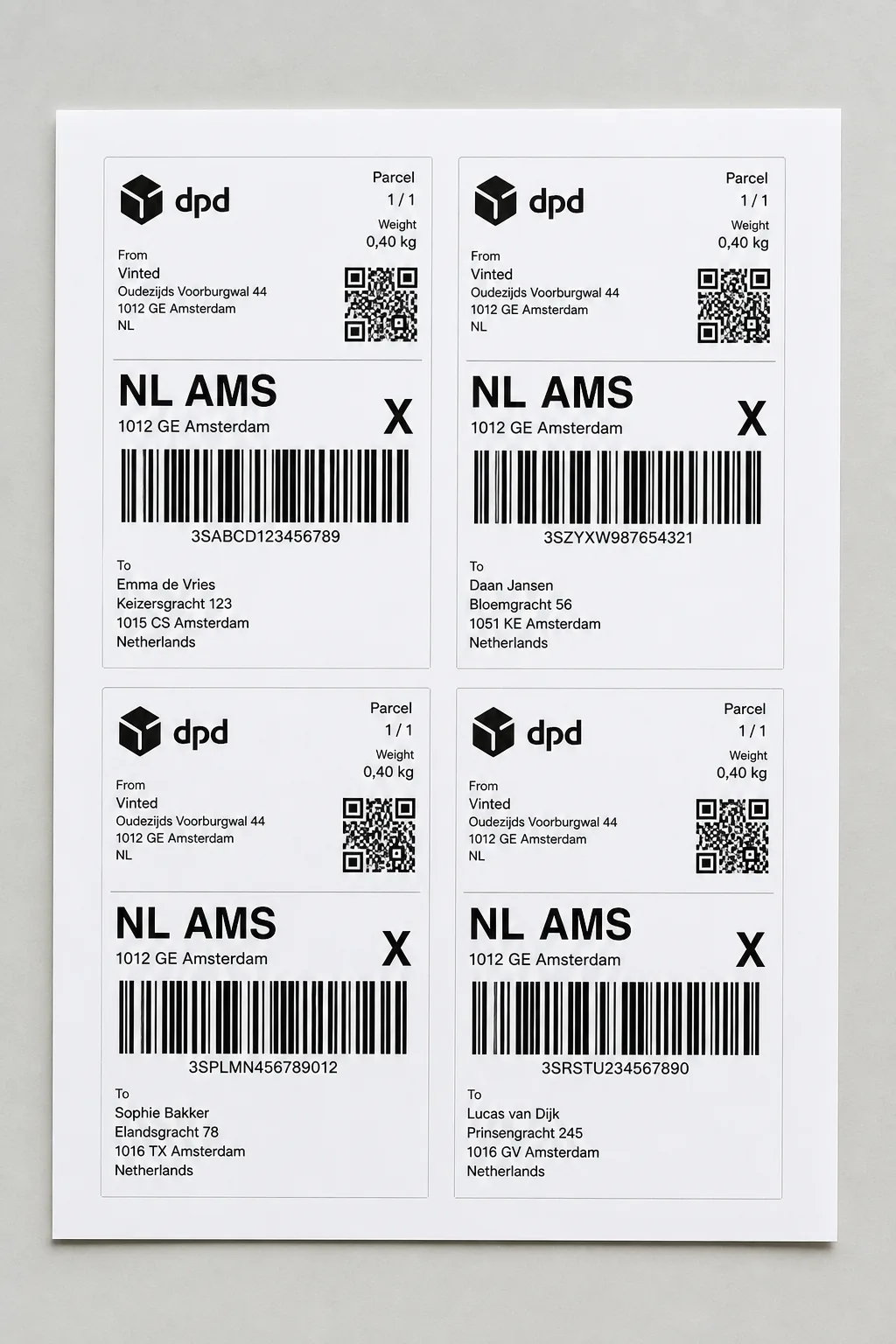
PostNL labels from a Vinted PDF
 Step 1
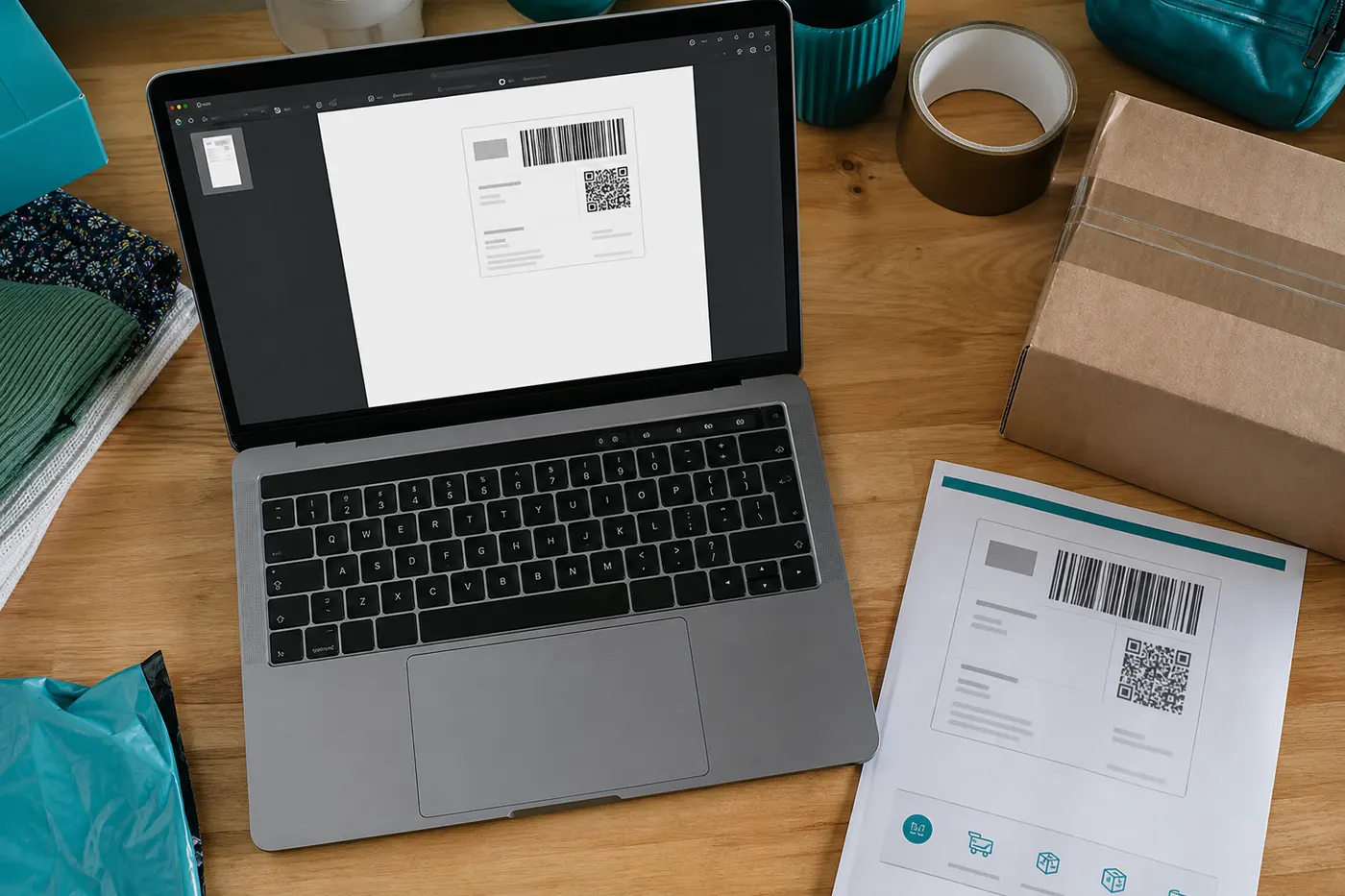
Download the PostNL PDF from Vinted
After you buy shipping, Vinted emails or shows a PDF. That is not a file from Mijn PostNL — it is Vinted’s A4 export with PostNL as the carrier.
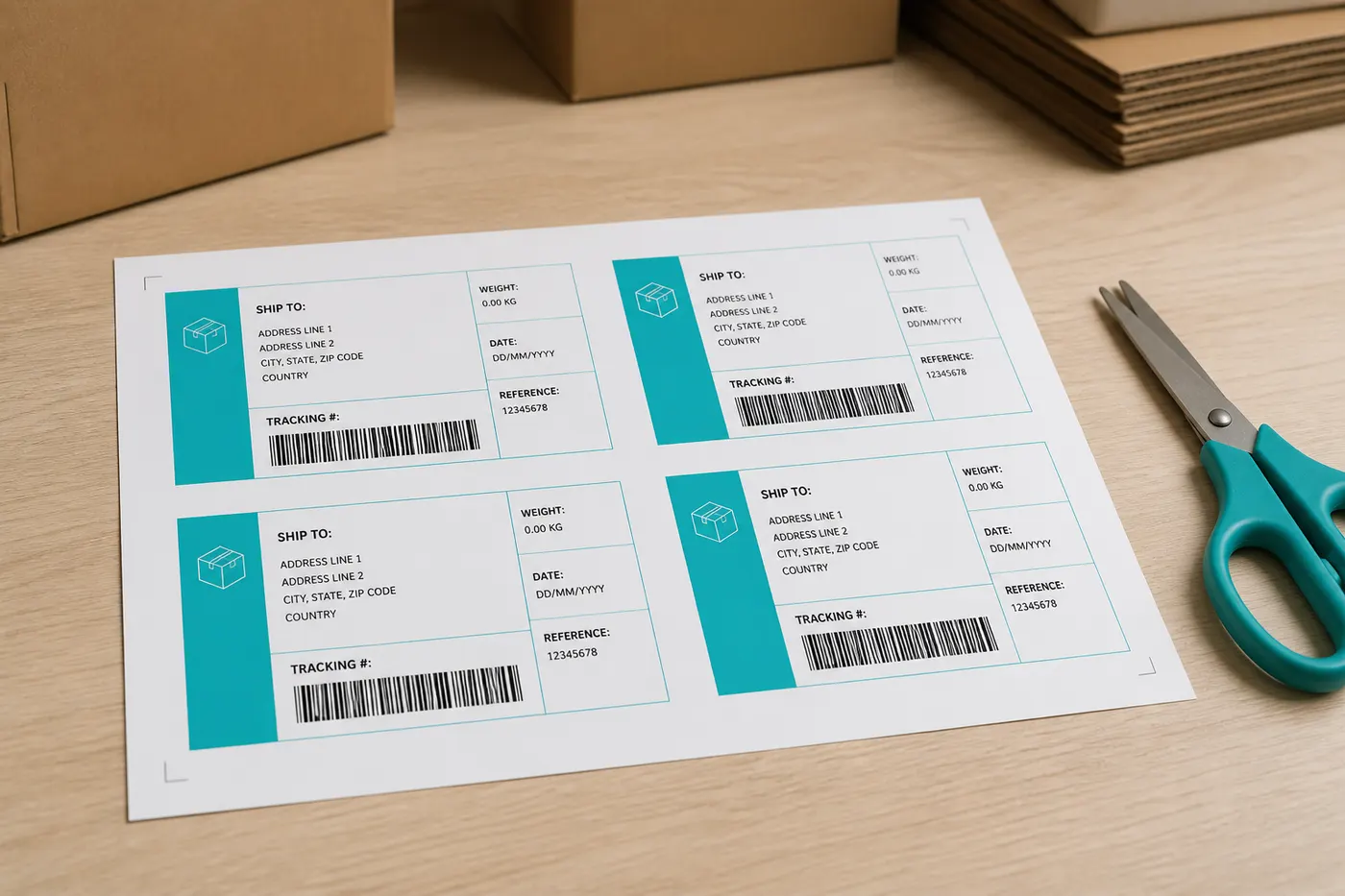 Step 2
We find the PostNL frame
Known crop templates and barcode/QR detection locate the sticker area. Instructions, dotted lines, and empty margin fall away.
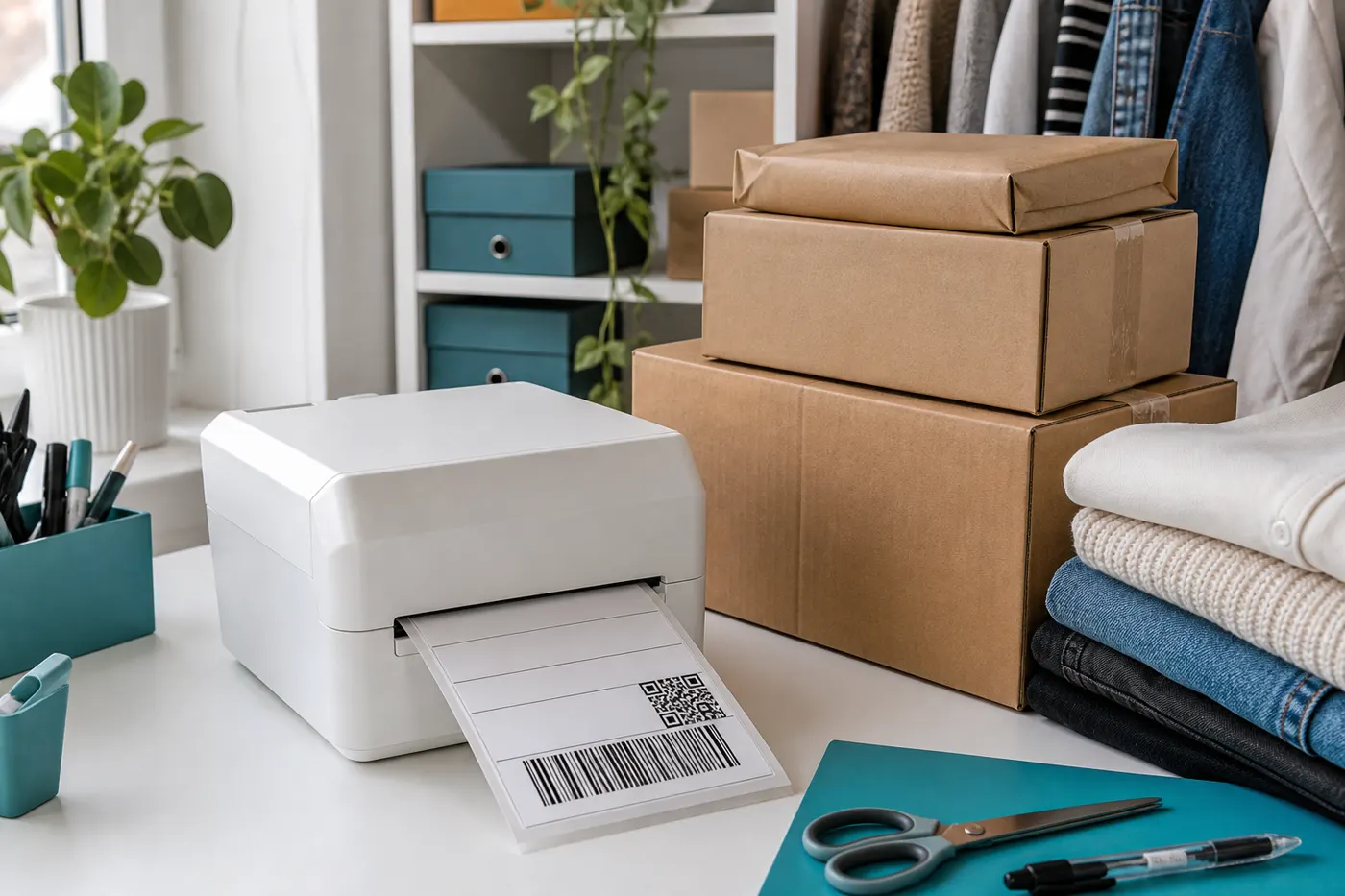 Step 3
Print for mailbox or parcel locker
The scanned label remains the original PostNL label. You print it on A4 (free, four per sheet) or on 100×150 mm with Pro.
PostNL is the most familiar Vinted PDF in NL
You do not log into PostNL. You process the A4 file Vinted already prepared. That is a different file from a label in the PostNL app or Mijn PostNL — which is exactly why a plain 4×6 paper setting fails.
Works with Vinted labels from these EU couriers





PostNL on 100×150 mm
Same PostNL barcode, page on thermal size, unlimited downloads. From €2.99.
From €2.99
See ProFrequently asked questions
- Does this work with labels from the PostNL app?
- LabelFit is built for Vinted A4 PDFs. A label you download directly from PostNL may already be 4×6; we leave that page alone or place it on thermal format with Pro.
- Will a PostNL clerk still scan it?
- Yes, if the frame contains the full courier label. Automatic crop does not cut barcodes. Check the preview when a layout is new.
- What if Vinted chooses DHL or Vinted Go?
- Same tool, different page layout. See the DHL and Vinted Go guides; the converter itself is one workflow.
- Is LabelFit an official Vinted product?
- No. LabelFit is an independent tool and is not affiliated with Vinted or the couriers on your label.