
Stop cropping by hand. LabelFit does it automatically.
The usual workaround — a selection box in Acrobat, a screenshot, or cutting along the dotted line — costs time on every order. LabelFit detects the label and crops it in the browser.
- No Acrobat
- No scissors
- Manual crop as backup
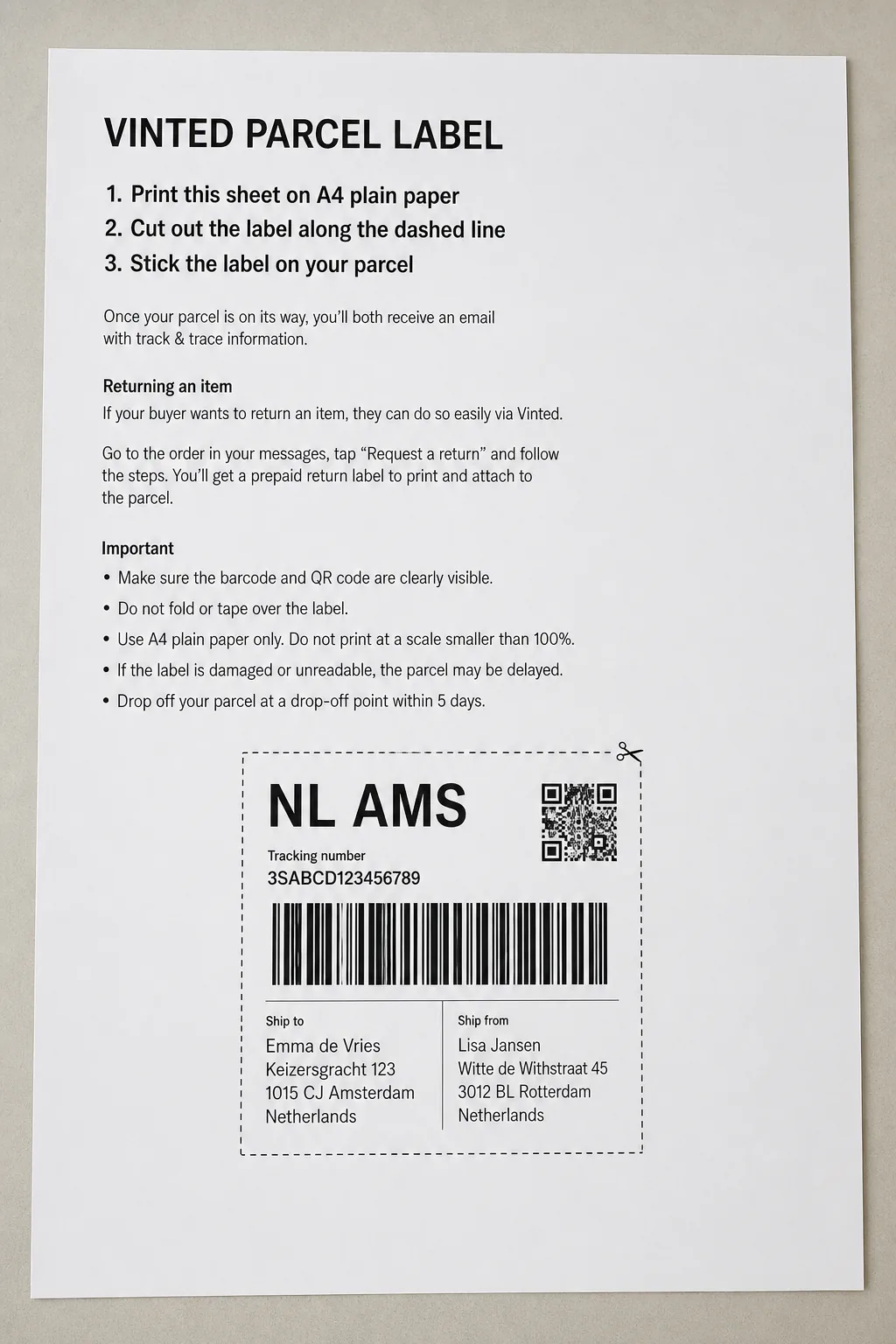
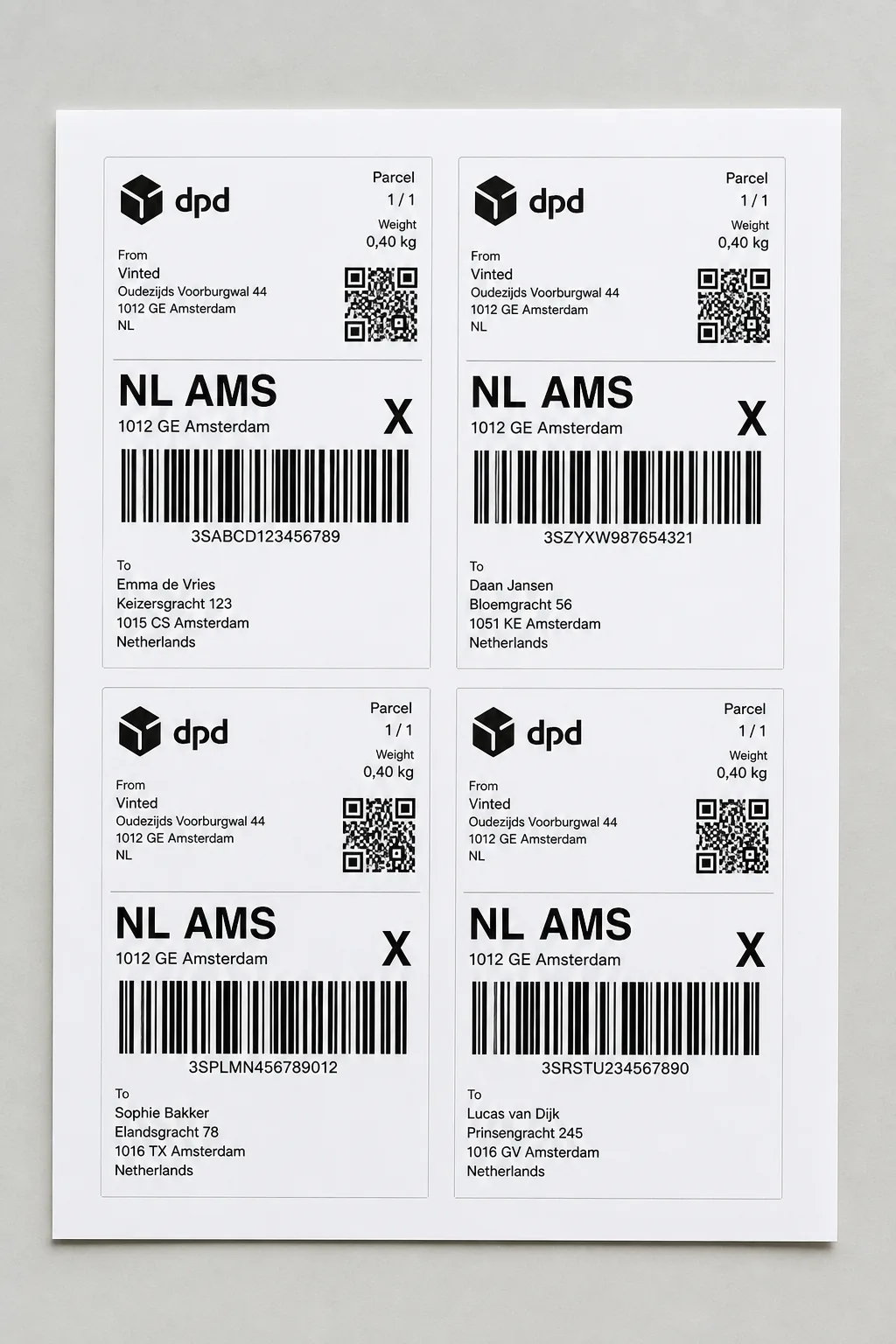
No scissors, no screenshot trick
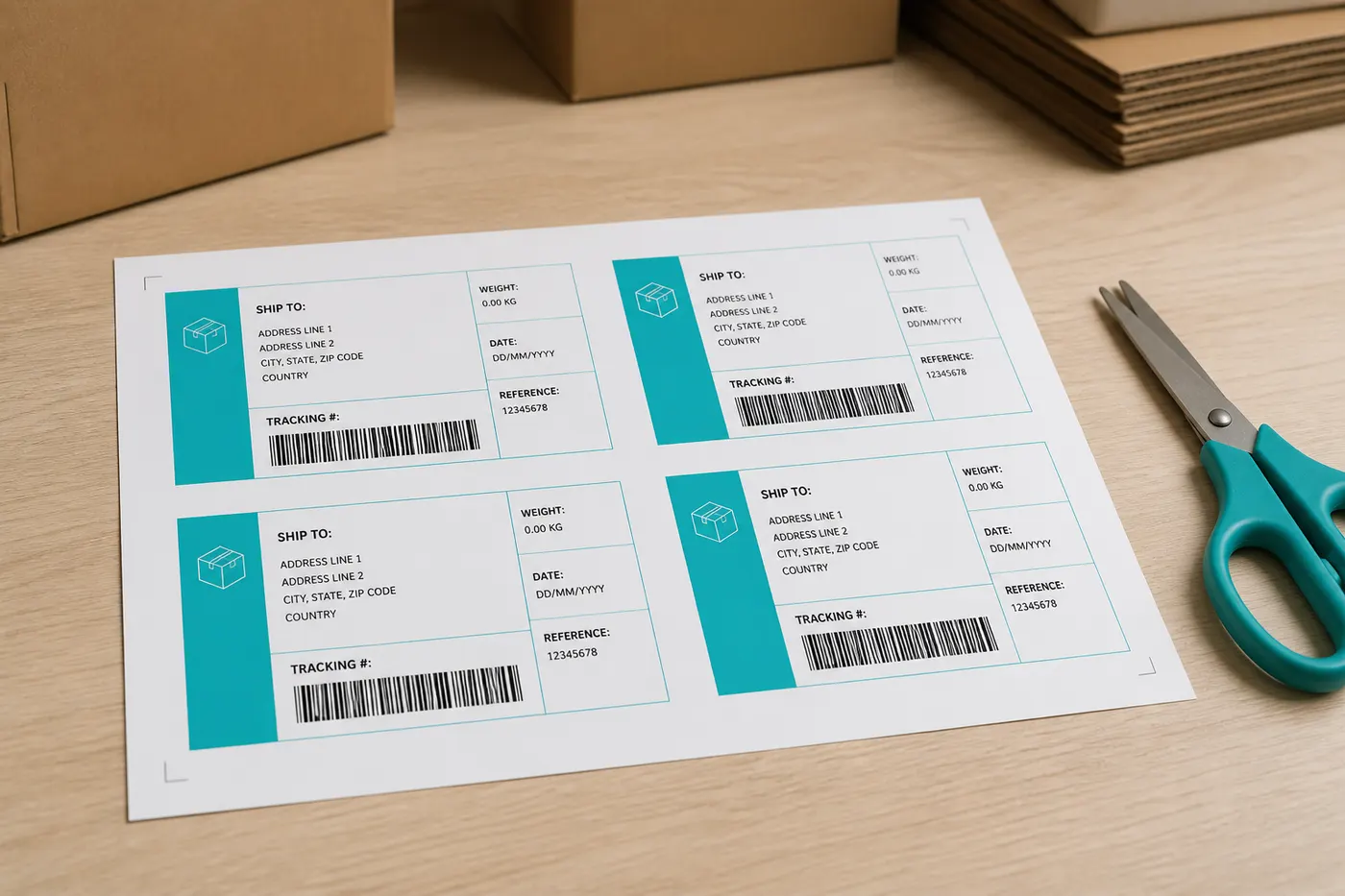
How automatic cropping works
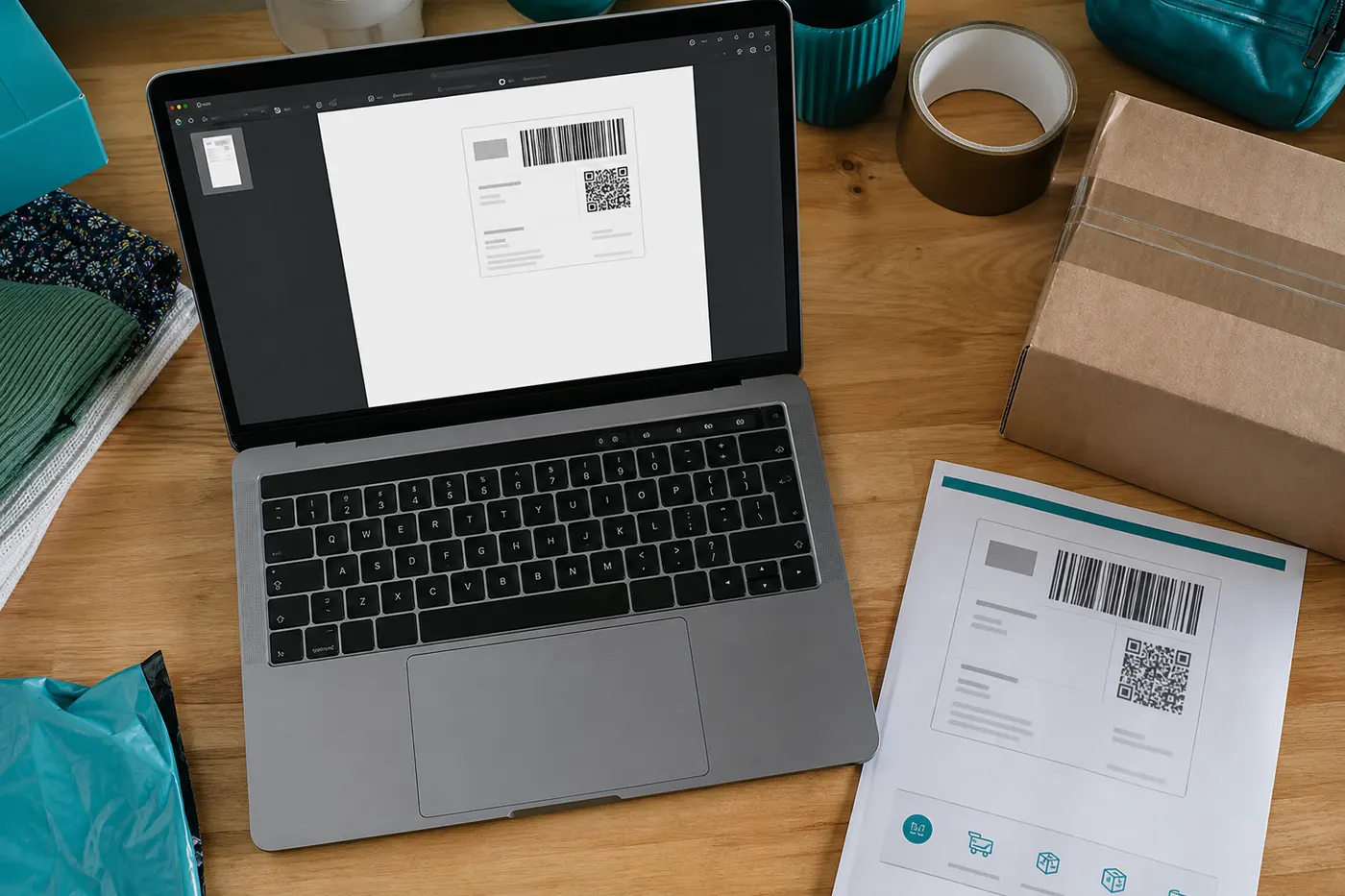 Step 1
No selection box to draw
You upload the full A4. LabelFit looks for the ink area, a known crop template, or the QR/barcode, then frames that region.
- Step 2
Rotation and alignment
Some Vinted labels sit sideways on A4. We rotate the frame to portrait and scale it to the output page.
 Step 3
Wrong frame? Drag it yourself
If detection misses, open Edit crop and drag the box. Pro can keep that manual crop as a sample so we can add a template.
The Acrobat workaround is not a workflow
Printing to A4 and cutting works for one parcel. With eight orders in an evening it is the slowest step. LabelFit replaces those clicks with detection — first on a free A4 sheet, then on 4×6 with Pro.
Works with Vinted labels from these EU couriers





Crop plus thermal in one step
Pro skips the A4 sheet: same crop, straight to 100×150 mm, optionally several PDFs at once. From €2.99.
From €2.99
See ProFrequently asked questions
- What if the automatic frame is wrong?
- Open Edit crop and drag the box over the courier label. Free still downloads A4 afterward; Pro can build 4×6 from your frame.
- Is a screenshot crop better?
- No. A screenshot turns the barcode into a bitmap. LabelFit crops the original PDF vectors so scanners stay sharp.
- How many free conversions do I get?
- Free includes 1 A4 download per day, with no account. 4×6 thermal and batch are Pro.
- Is LabelFit an official Vinted product?
- No. LabelFit is an independent tool and is not affiliated with Vinted or the couriers on your label.