
Sell on Vinted a lot? Print the shipping label at 100×150 mm
You do not need a PDF editor. Upload the file from your Vinted email; LabelFit pulls out the courier sticker and makes it print-ready for a normal printer or a thermal roll.
- No Vinted login
- Free A4 first
- Runs in your browser
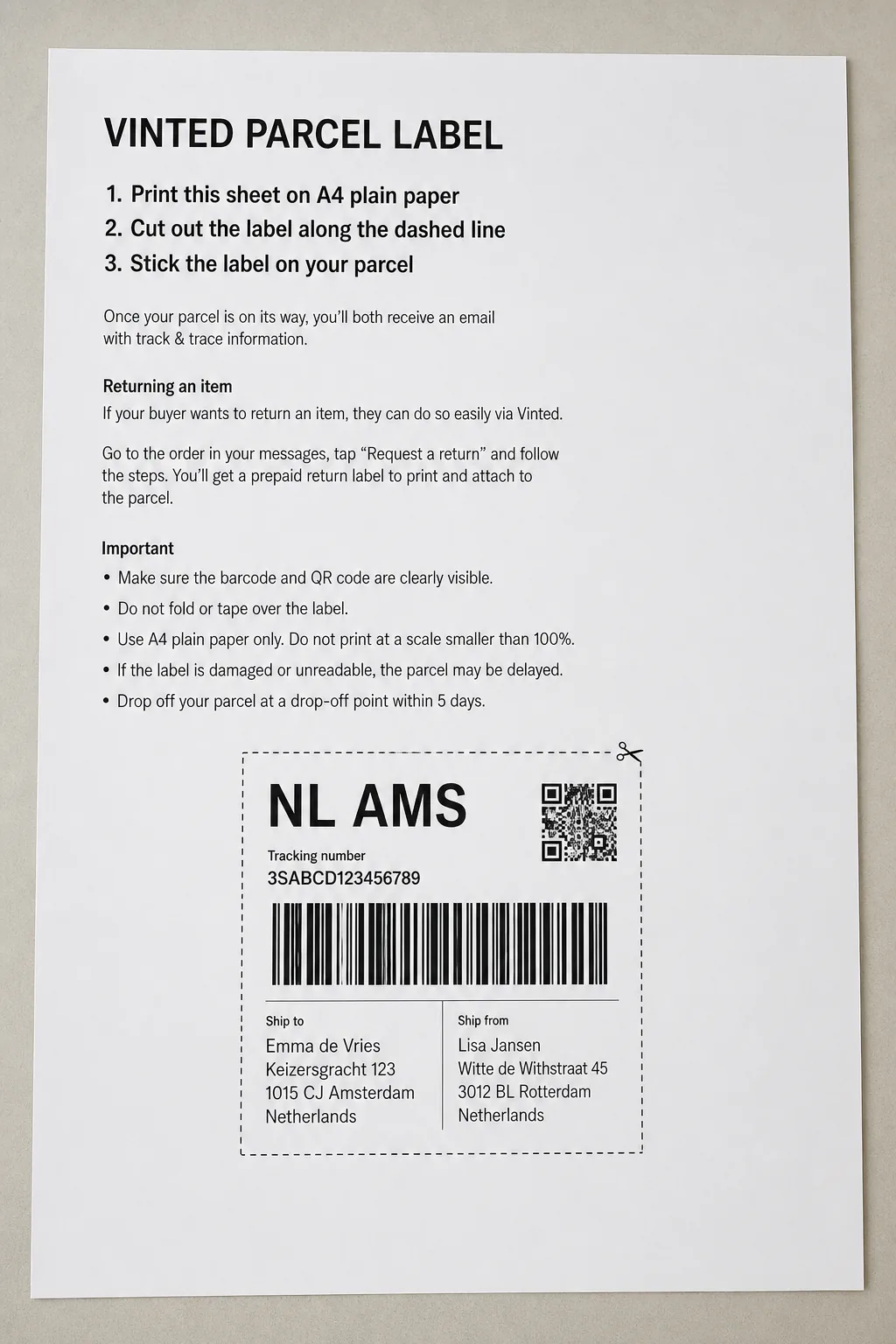
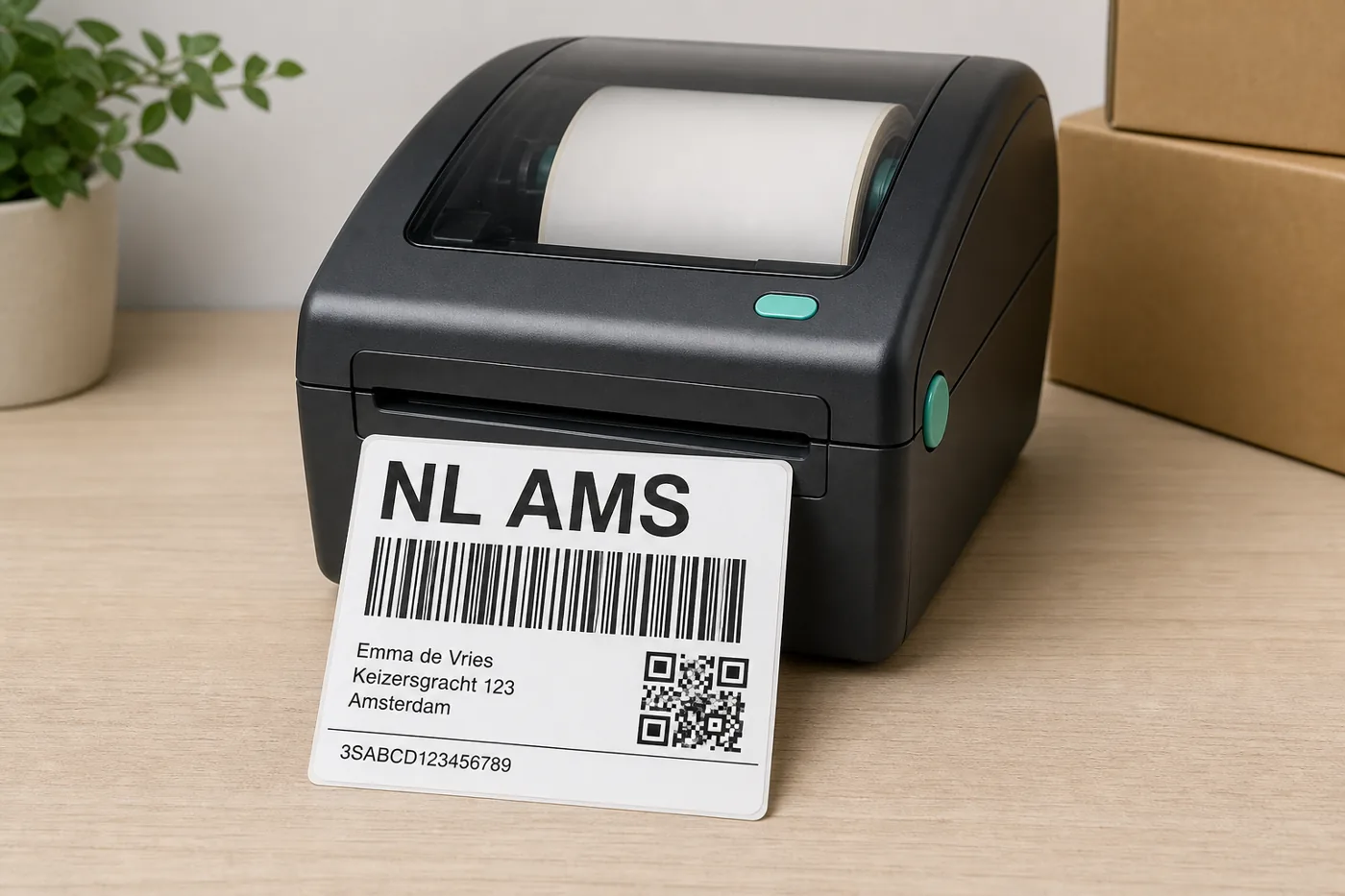
Upload. Print. Done.
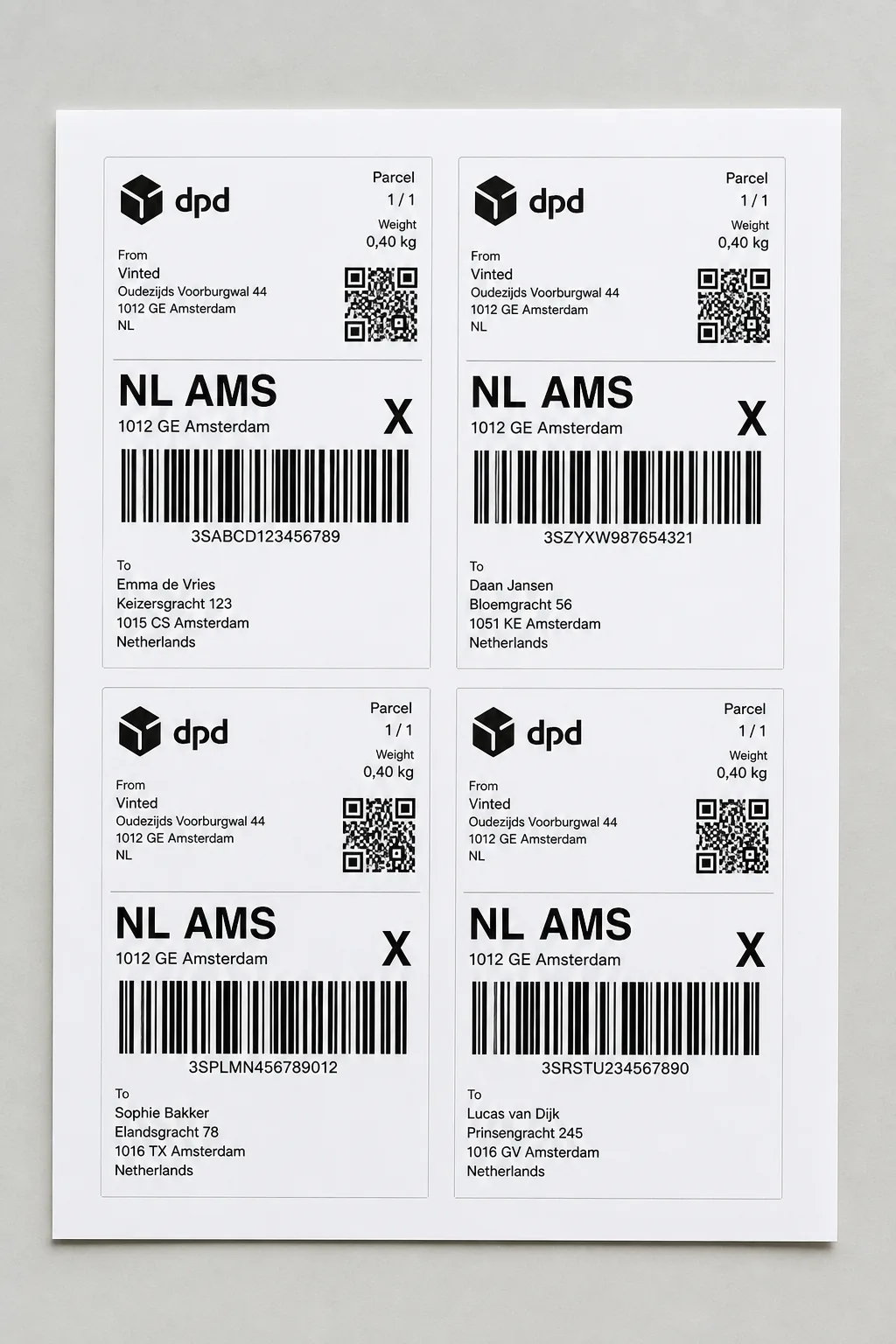
From inbox to sticker
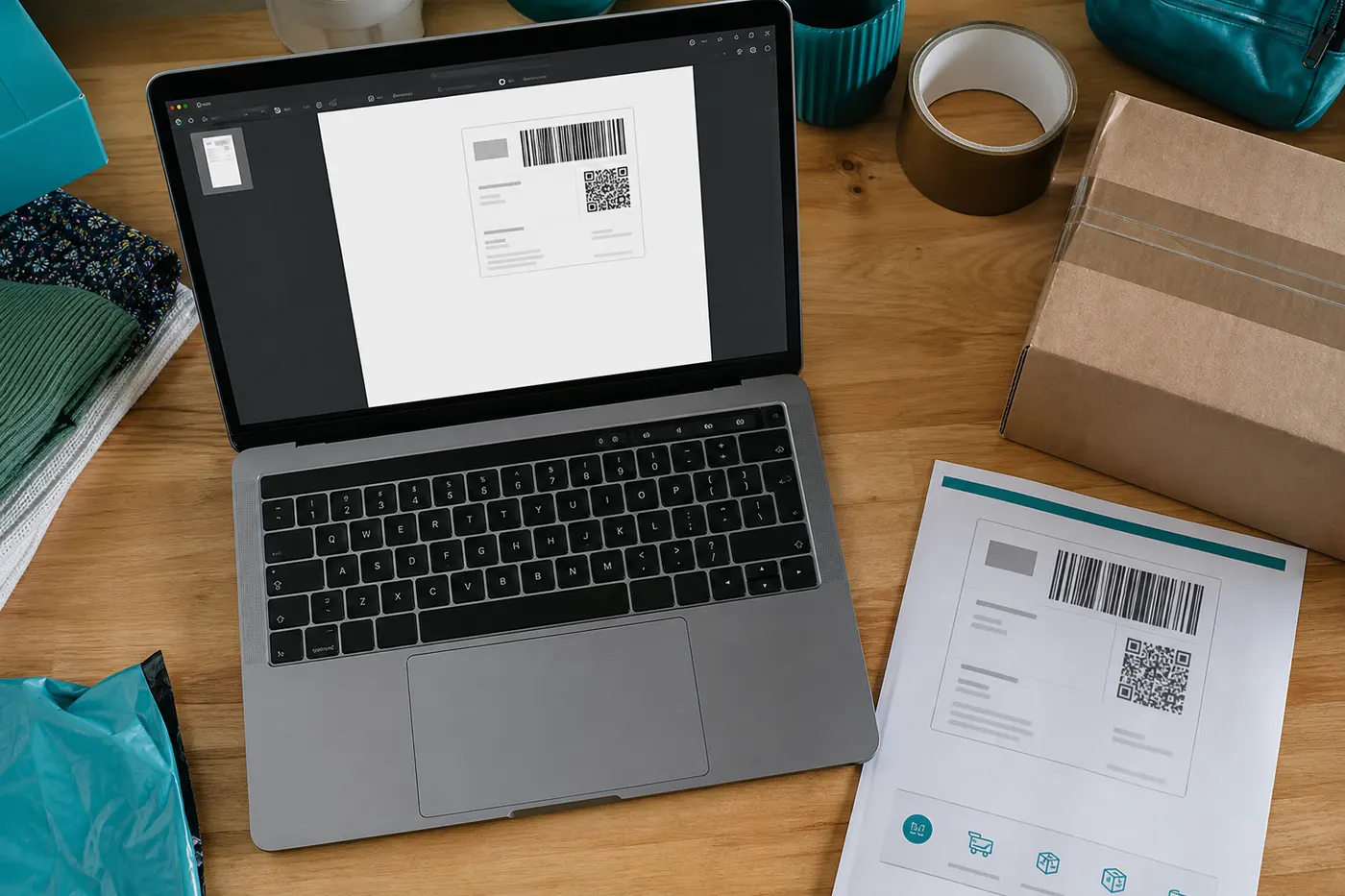 Step 1
Open the PDF from Vinted
Vinted sends one A4 file per parcel. Drop that file into LabelFit. You do not create an account for the free A4 workflow.
 Step 2
The courier label stays intact
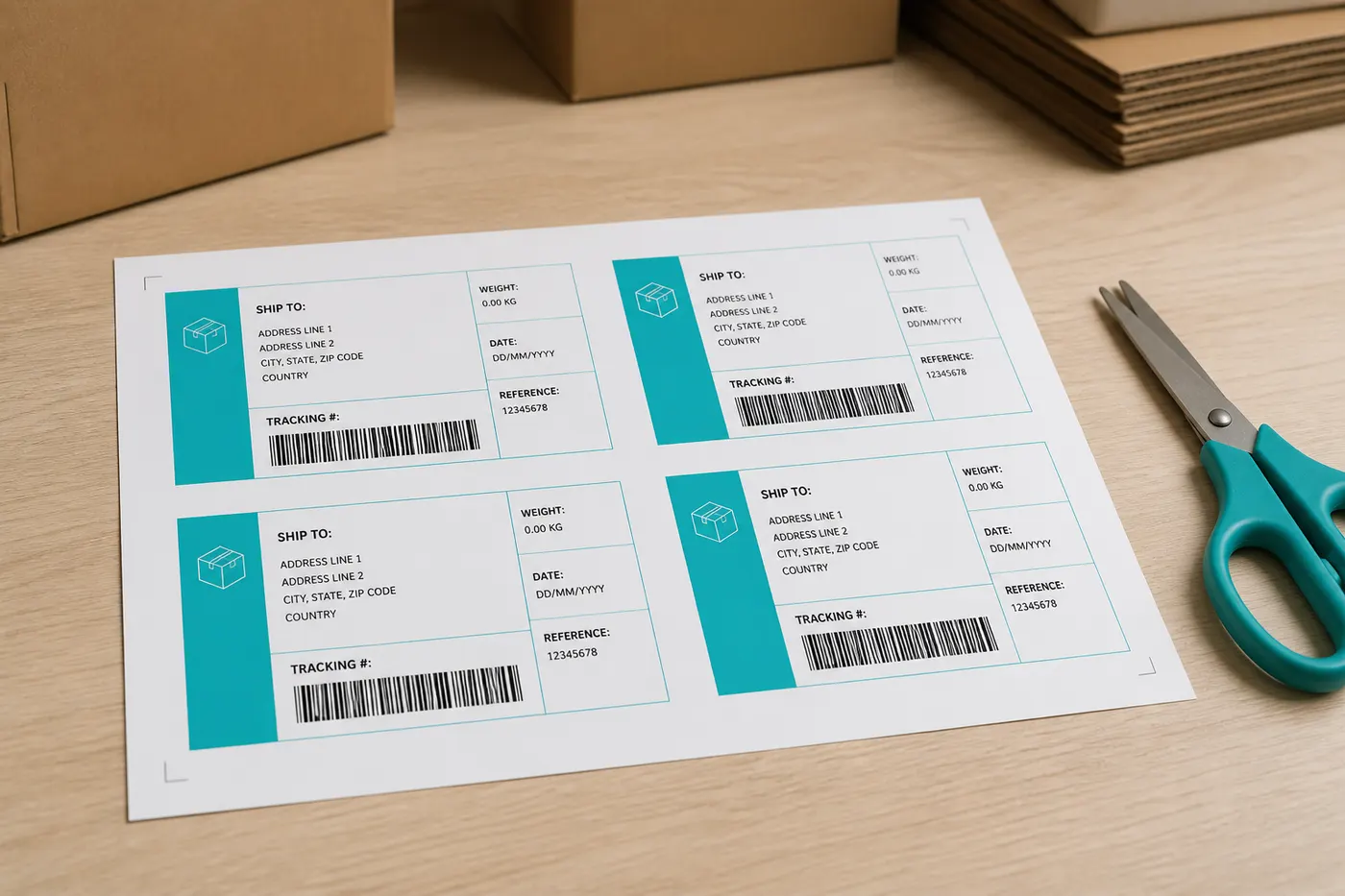
We remove instructions and whitespace. Barcode, QR, and address block stay as they are — only the page around them changes.
 Step 3
Print on A4 or on a roll
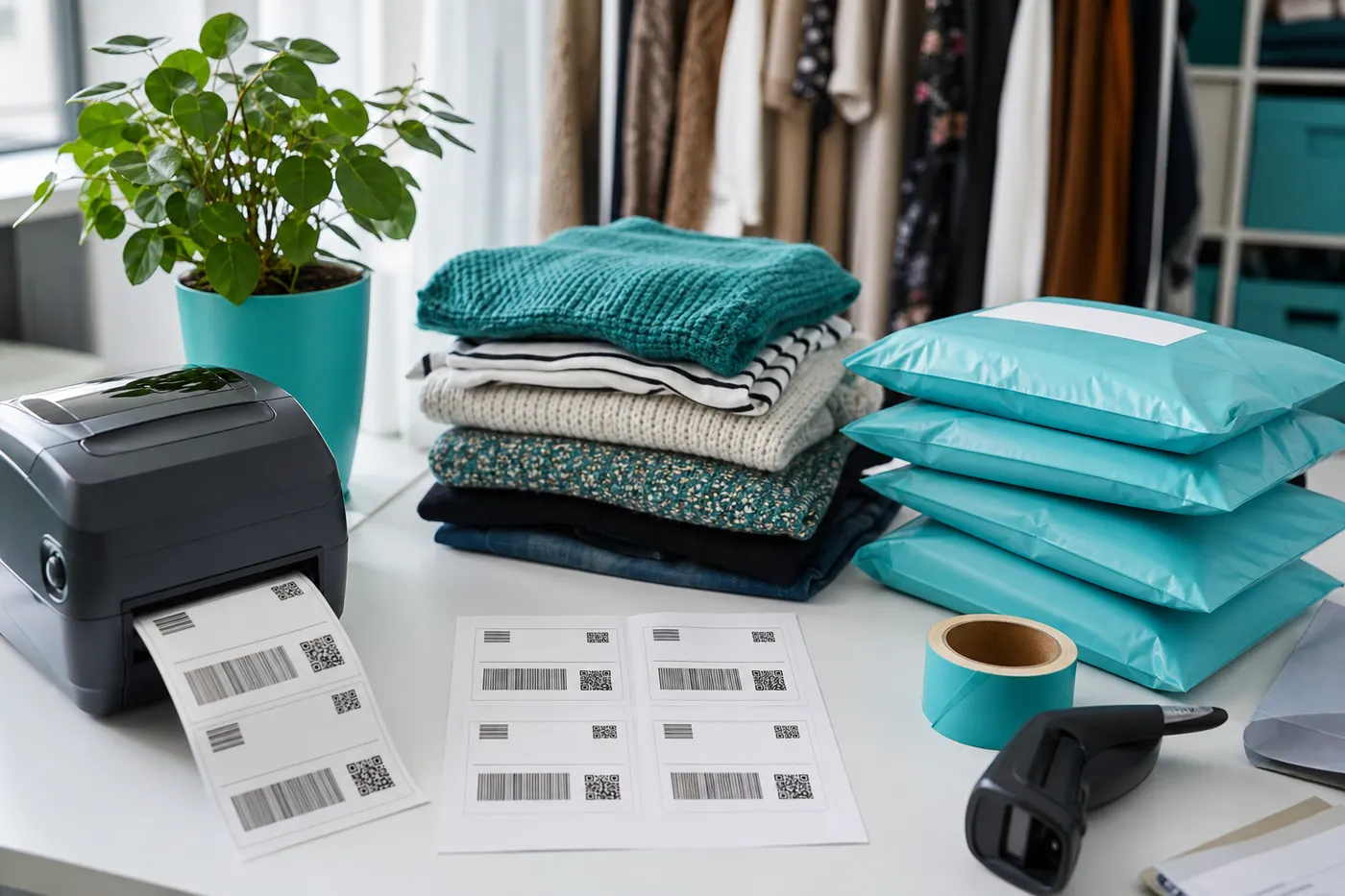
Free: four labels on one A4 for your inkjet. Pro: 4×6 / 100×150 mm for a thermal label printer.
A label printer does nothing while Vinted still sends A4
The hardware is ready. The file is not. LabelFit is the missing step between the Vinted email and 100×150 mm — without opening a PDF editor for every order.
Works with Vinted labels from these EU couriers





Ready for a thermal roll?
Pro puts the same courier label on 4×6, lets you print directly, and accepts multiple PDFs at once. From €2.99.
From €2.99
See ProFrequently asked questions
- Do I need a label printer to start?
- No. Free works on a normal A4 printer: four labels on one sheet. When you buy a 100×150 mm printer later, Pro unlocks thermal output.
- Do I have to log in to Vinted?
- No. LabelFit is not a Vinted integration. You only use the PDF already in your email or downloads.
- How many free conversions do I get?
- Free includes 1 A4 download per day, with no account. 4×6 thermal and batch are Pro.
- Is LabelFit an official Vinted product?
- No. LabelFit is an independent tool and is not affiliated with Vinted or the couriers on your label.