
Vinted DHL label ready for your label printer
DHL labels from Vinted look different from PostNL: often a wider block, sometimes landscape on A4. LabelFit rotates the frame to portrait and turns it into a printable sticker — without a DHL account.
- DHL via Vinted
- Landscape becomes portrait
- No DHL login
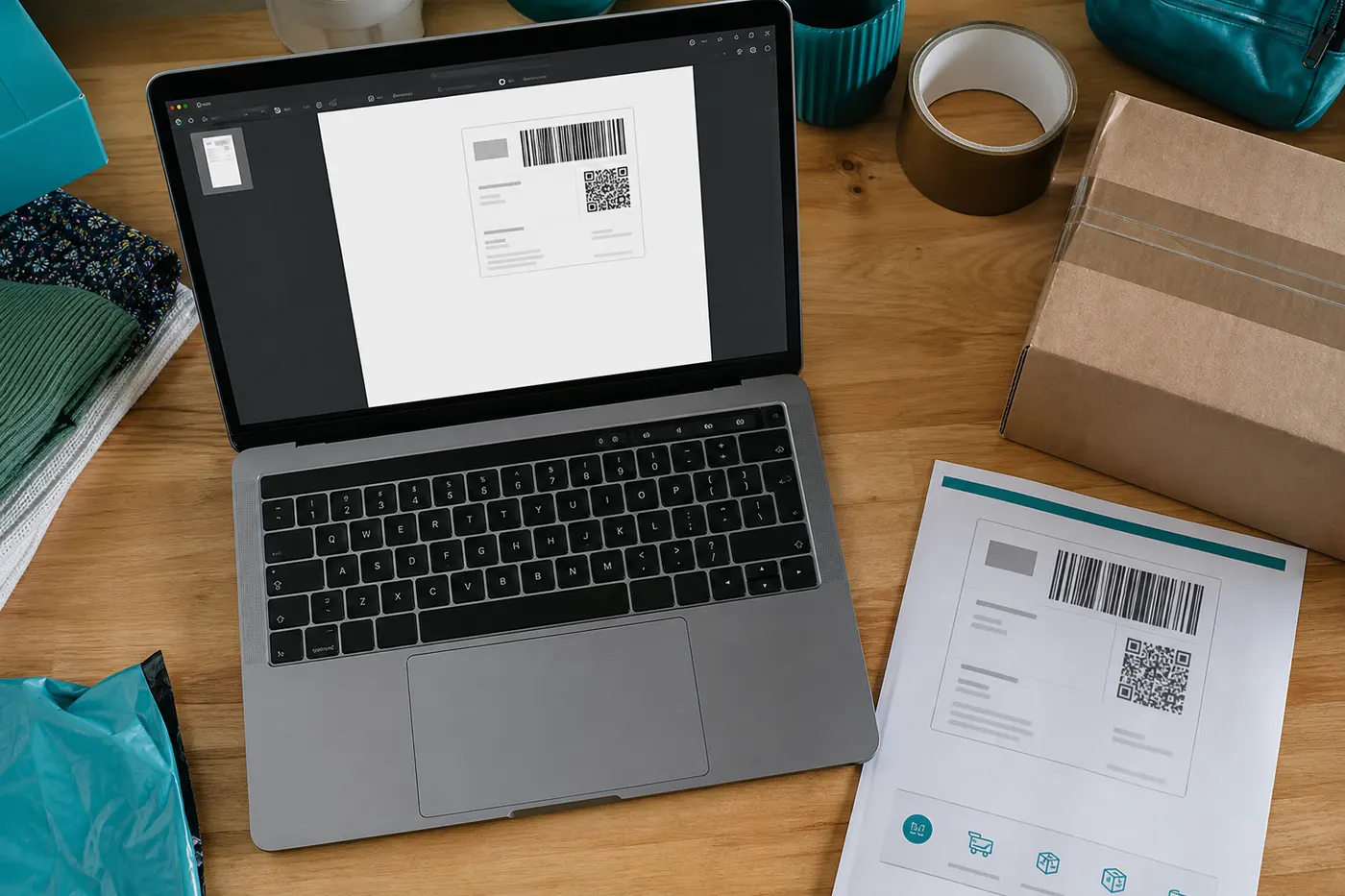
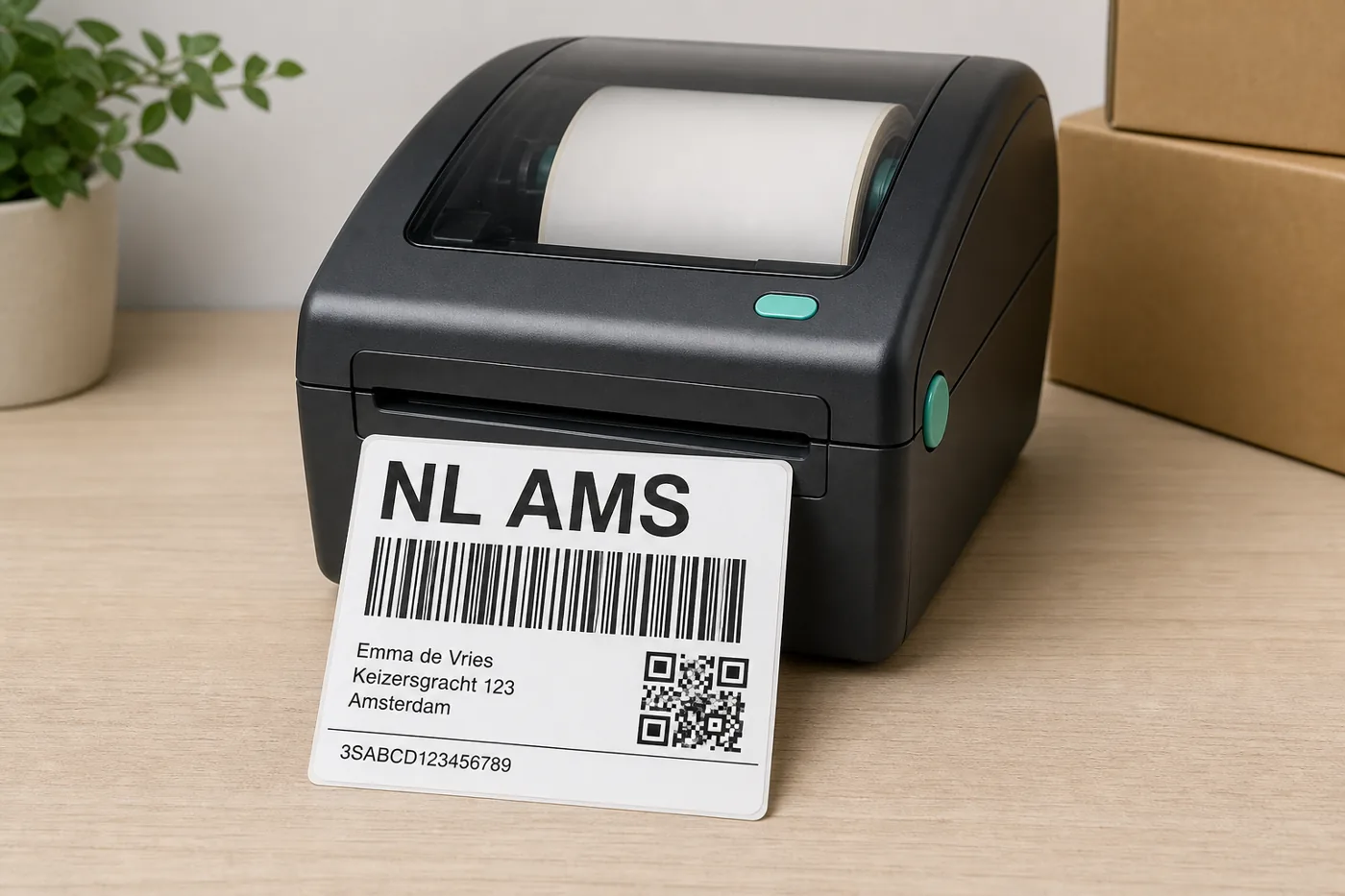
DHL block off the A4, upright on the sticker
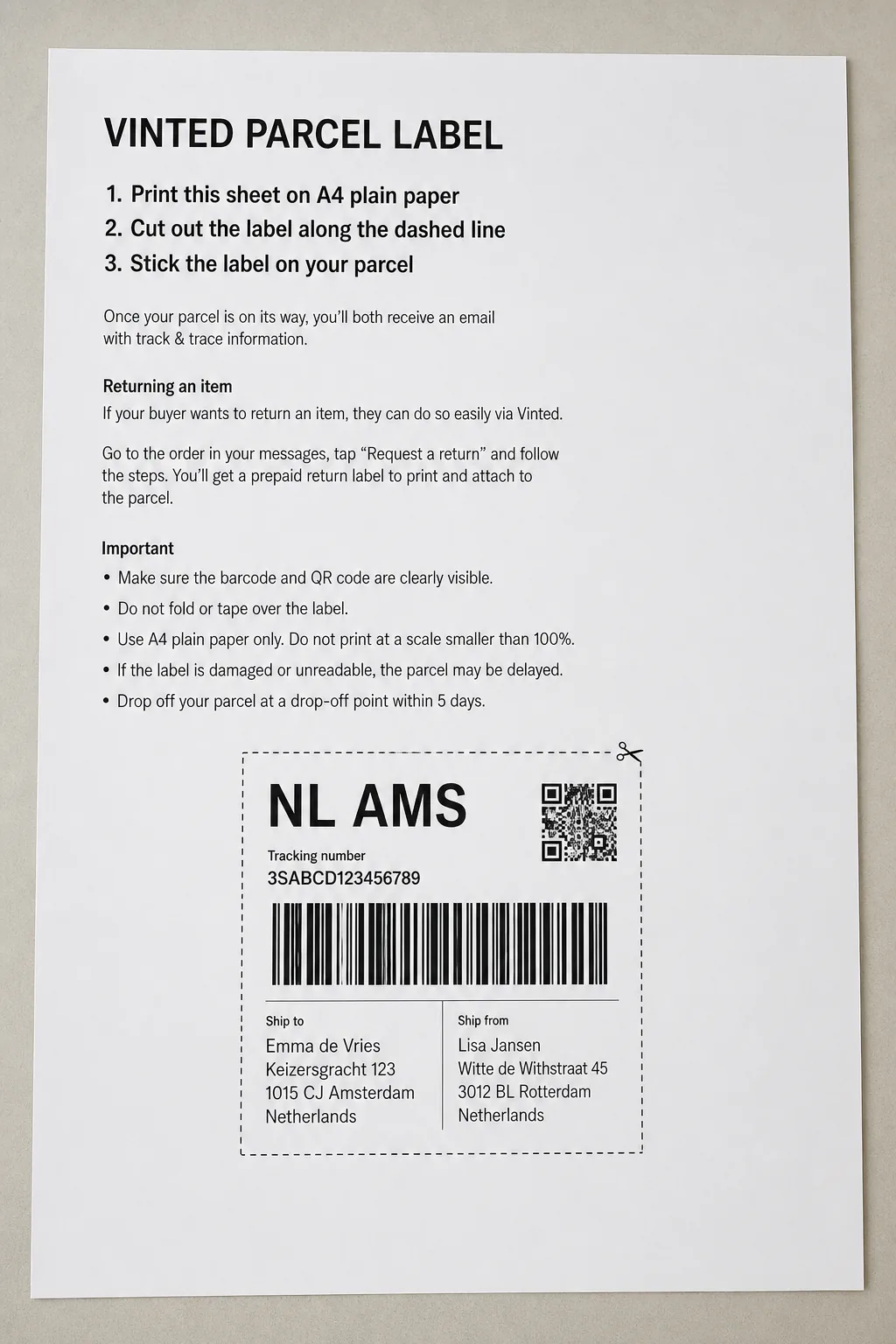
DHL layouts from Vinted
- Step 1
Different carrier, same upload
You drop the same Vinted email PDF. LabelFit does not need you to say “DHL”; detection looks for the ink block and known frames.
 Step 2
Rotation is the difference from PostNL
Where PostNL often already sits mostly upright on A4, a DHL block more often needs a 90° turn for a 4×6 roll. That happens in the converter.
 Step 3
Preview before you stick it
DHL scans are strict about full barcodes. Check the preview. If the yellow DHL bar or barcode sits half outside the frame, drag Edit crop.
DHL on Vinted is not MyDHL or Ship
You do not pull this label from DHL Ship or MyDHL. It is Vinted’s A4 export with DHL as the carrier. A Windows “4×6 paper size” setting does not help, because the label is only part of the page.
Works with Vinted labels from these EU couriers




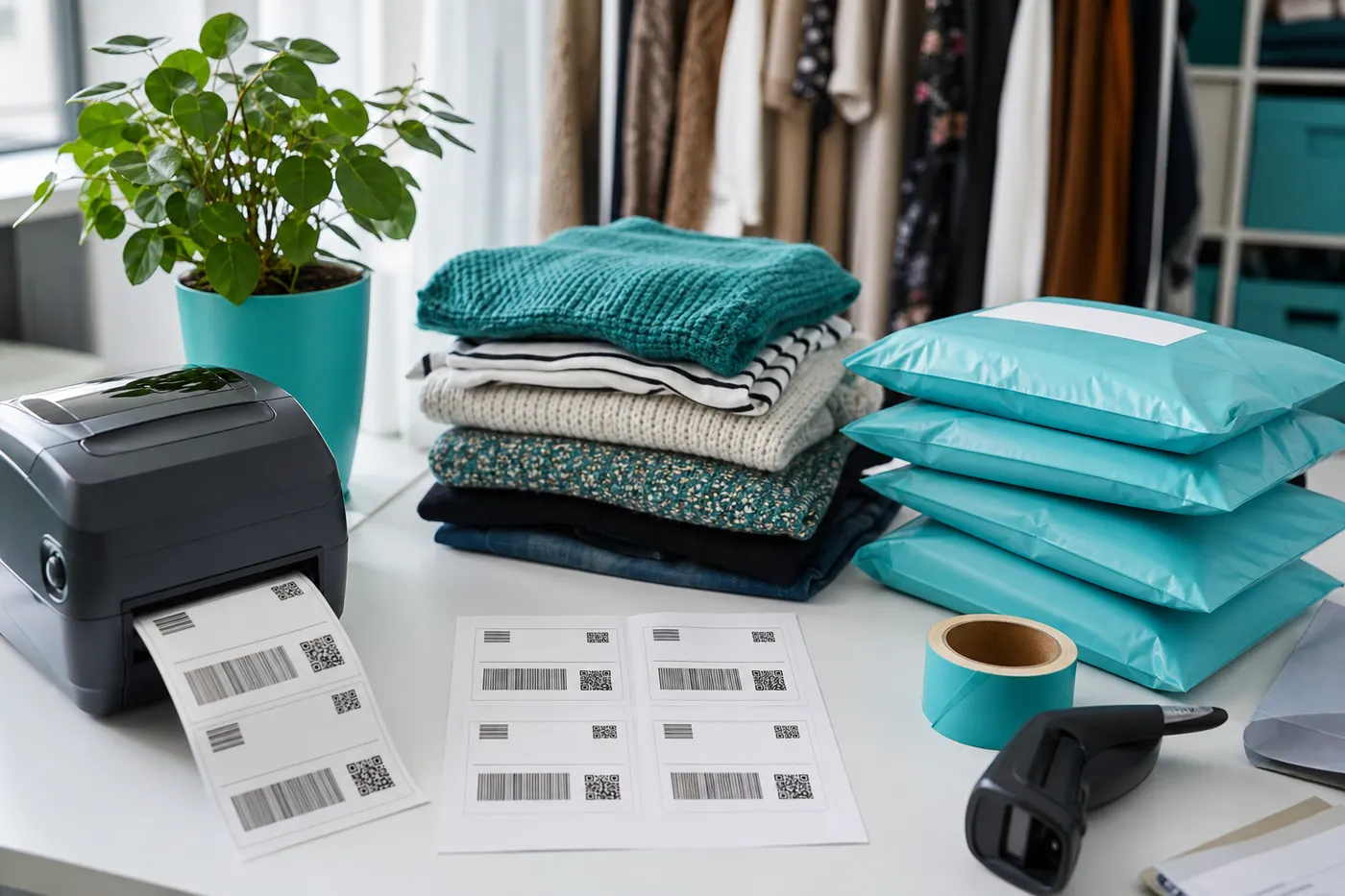
DHL orders on the thermal printer
Pro gives 4×6 / 100×150 mm, unlimited downloads, and batch when Vinted mixes DHL and PostNL the same day. From €2.99.
From €2.99
See ProFrequently asked questions
- Do you support DHL Express and DHL Parcel?
- We support Vinted PDFs that show DHL as the carrier. Visual layout can differ by product; for a new variant use Edit crop.
- My DHL label is sideways. Does it stay that way?
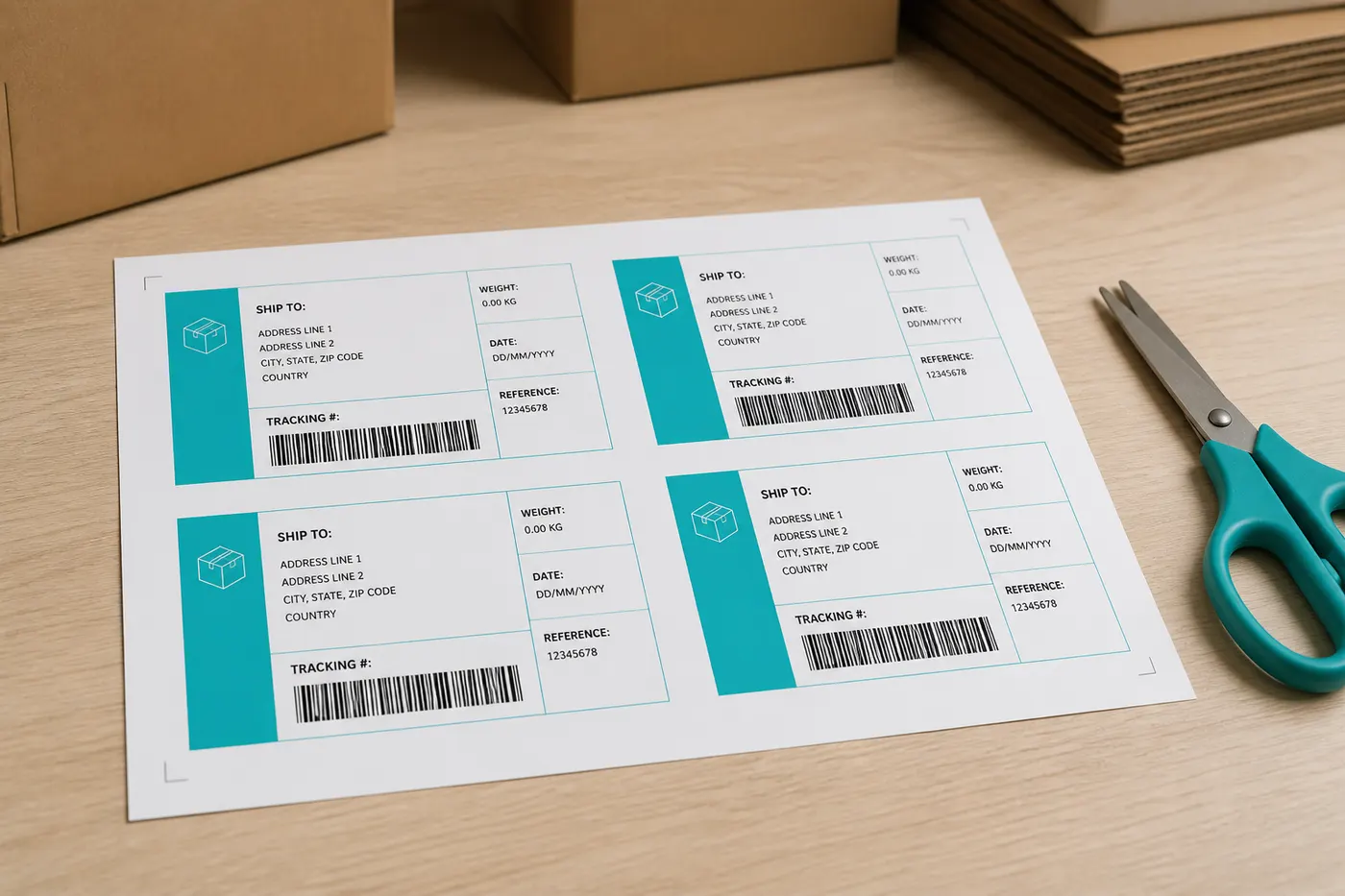
- No. After detection we rotate to portrait for 4×6. On the free A4 4-up the labels sit upright in the grid.
- Can I batch DHL and PostNL together?
- With Pro yes: multiple PDFs, one multi-page 4×6 file. Each page gets its own crop.
- Is LabelFit an official Vinted product?
- No. LabelFit is an independent tool and is not affiliated with Vinted or the couriers on your label.