
Ten parcels tonight? Not ten rounds of cutting.
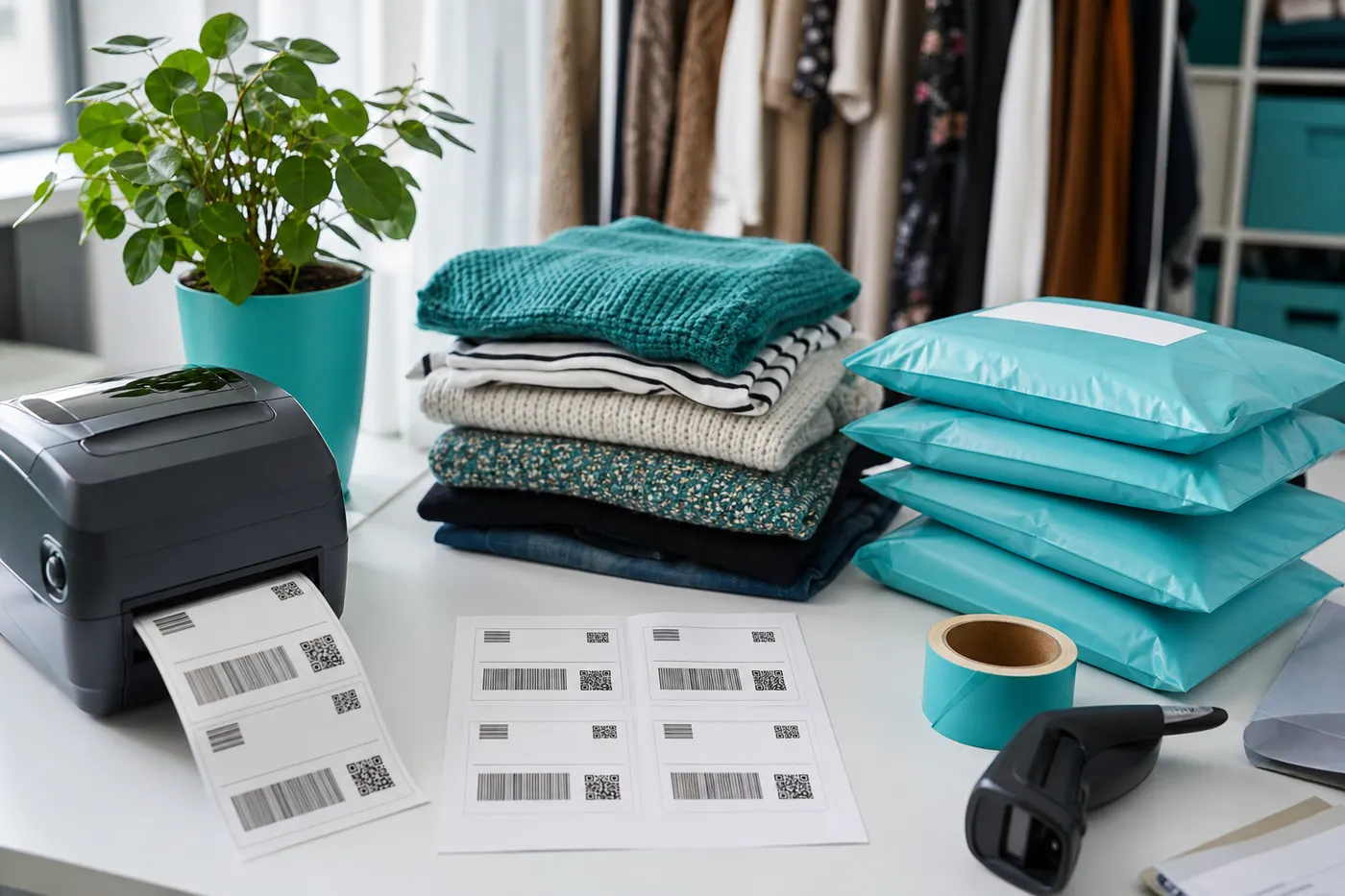
Free processes one PDF at a time into an A4 sheet. Pro lets you drop several Vinted files and downloads one 4×6 PDF with a page per parcel.
- Multiple PDFs
- One 4×6 file
- Pro only
From separate emails to one print job
How batch works in Pro
 Step 1
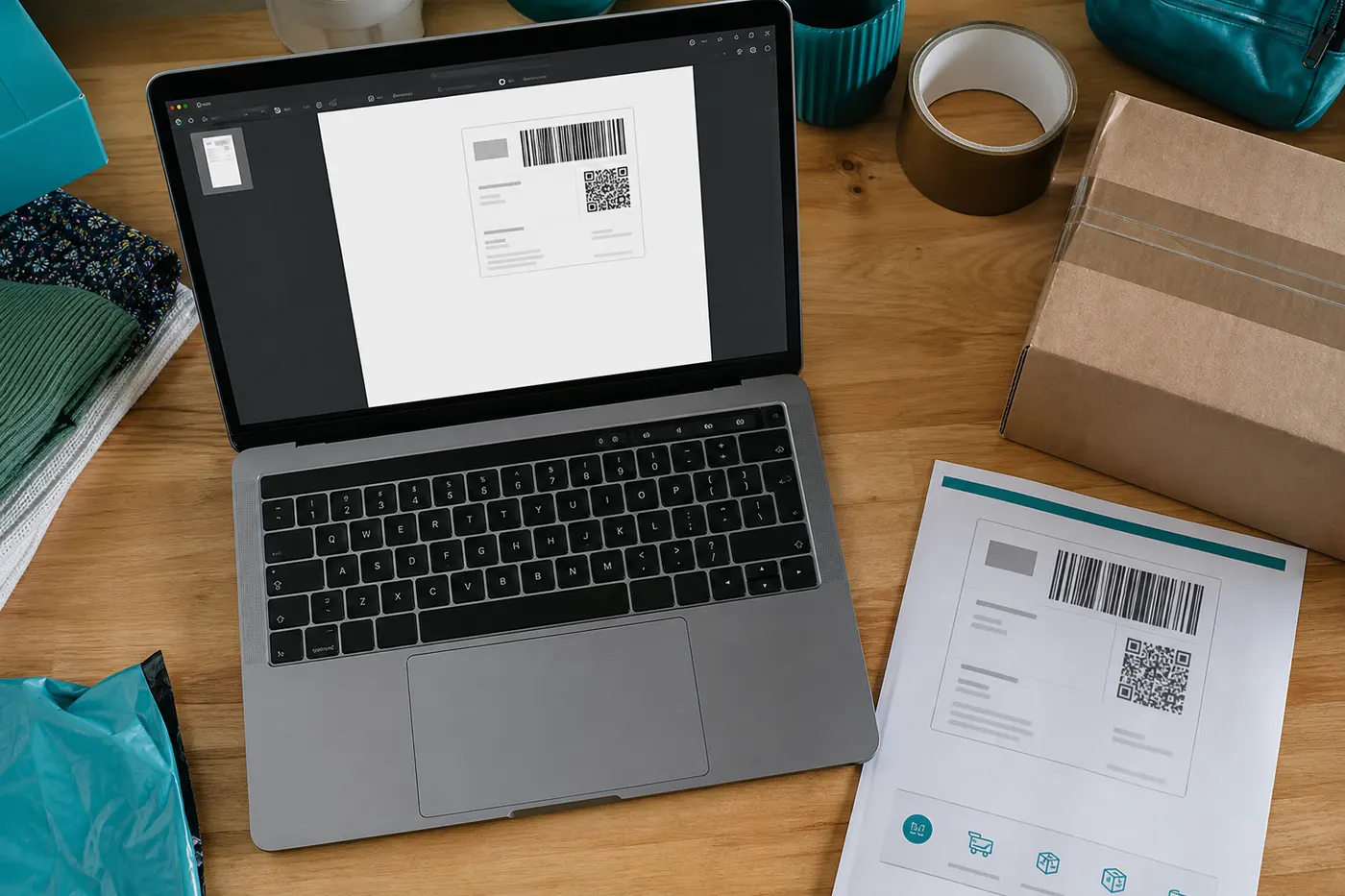
Select tonight’s PDFs
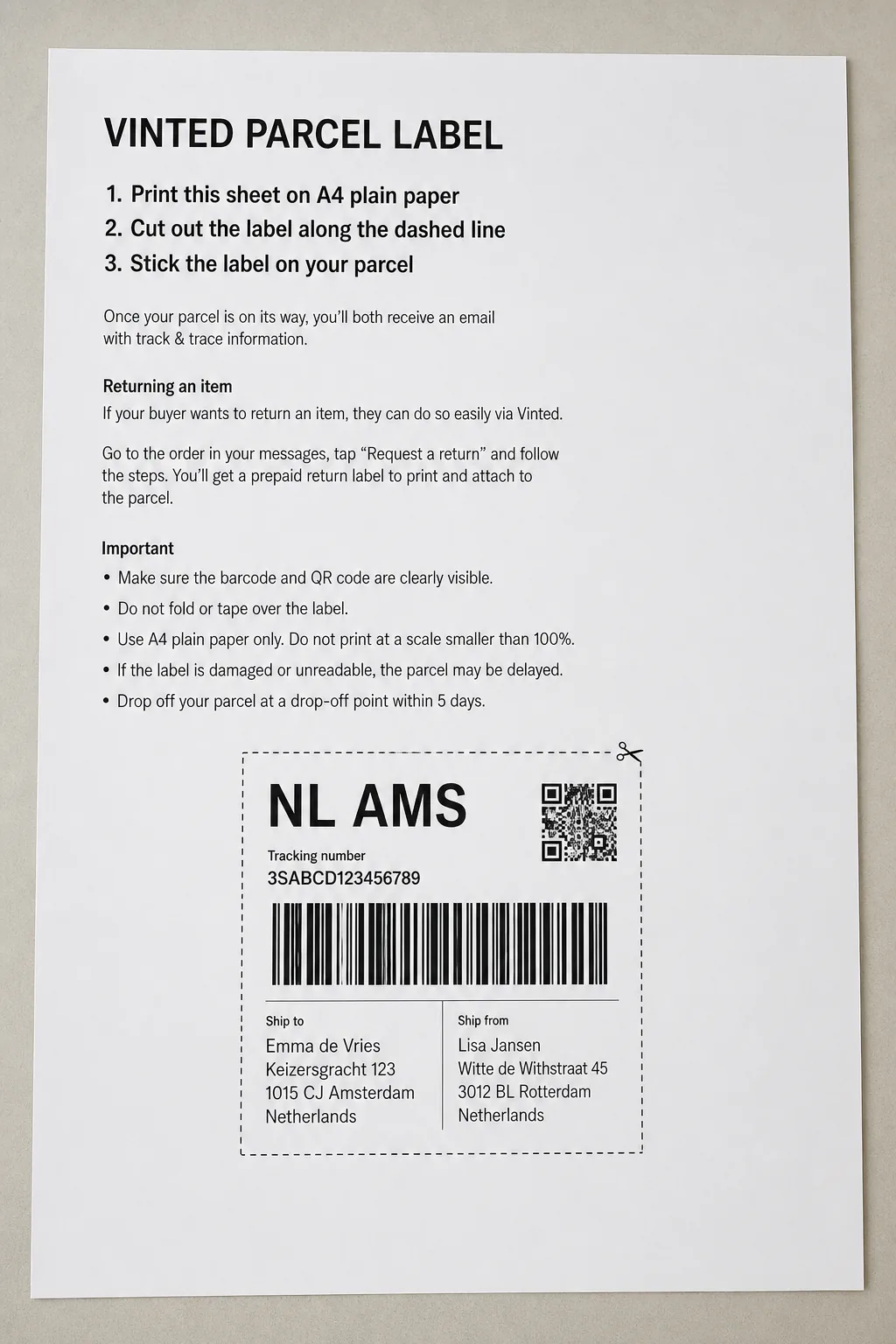
Each Vinted order is its own file. In Pro you drop them together. Free accepts only one file per conversion.
 Step 2
Each page gets its own crop
PostNL, DHL, or Vinted Go can be mixed. We detect per file, not one frame over the whole stack.
 Step 3
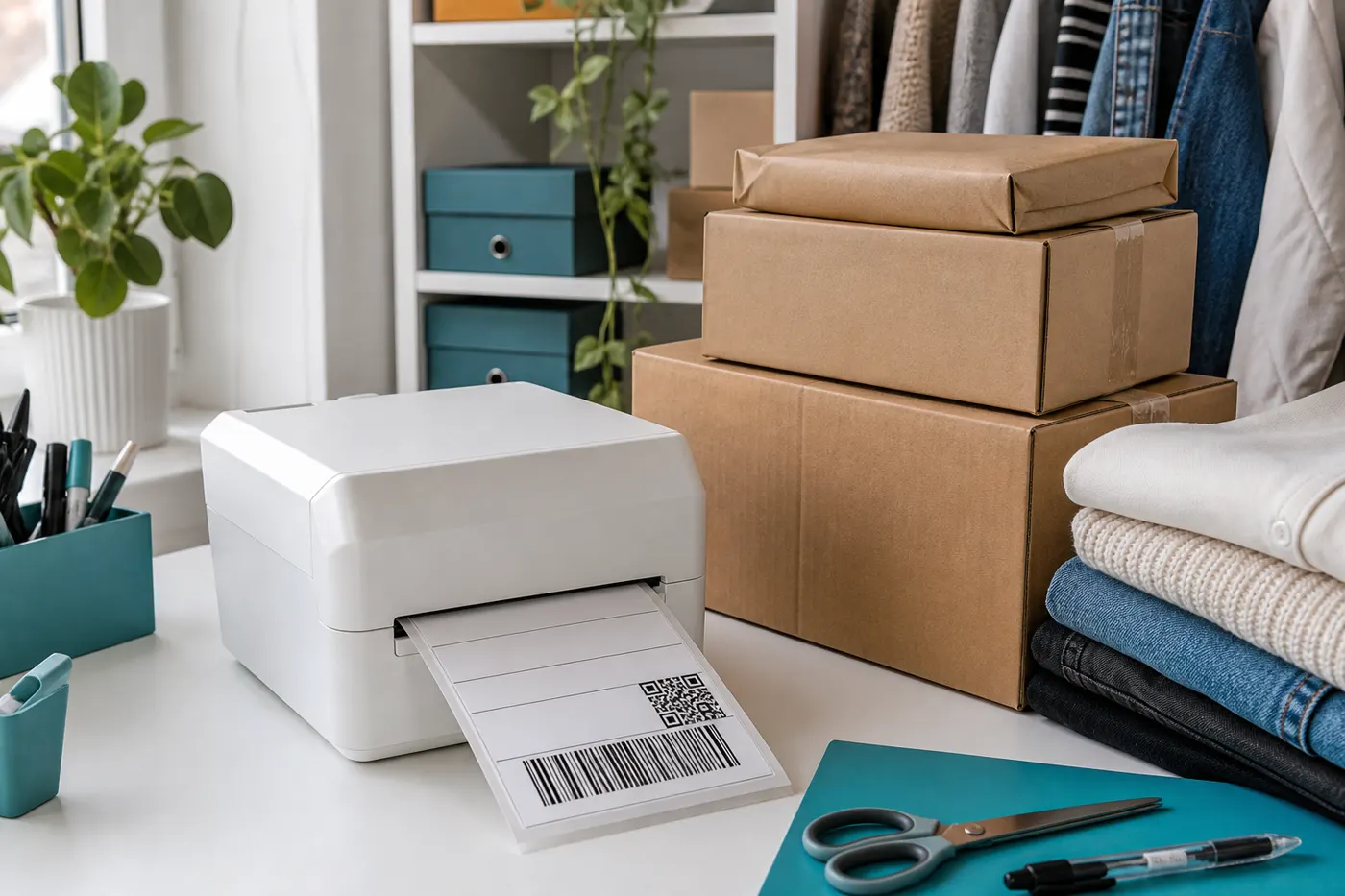
Download one multi-page 4×6 file
Output is a PDF with a 100×150 mm page per label. Send the whole job to your thermal printer at once.
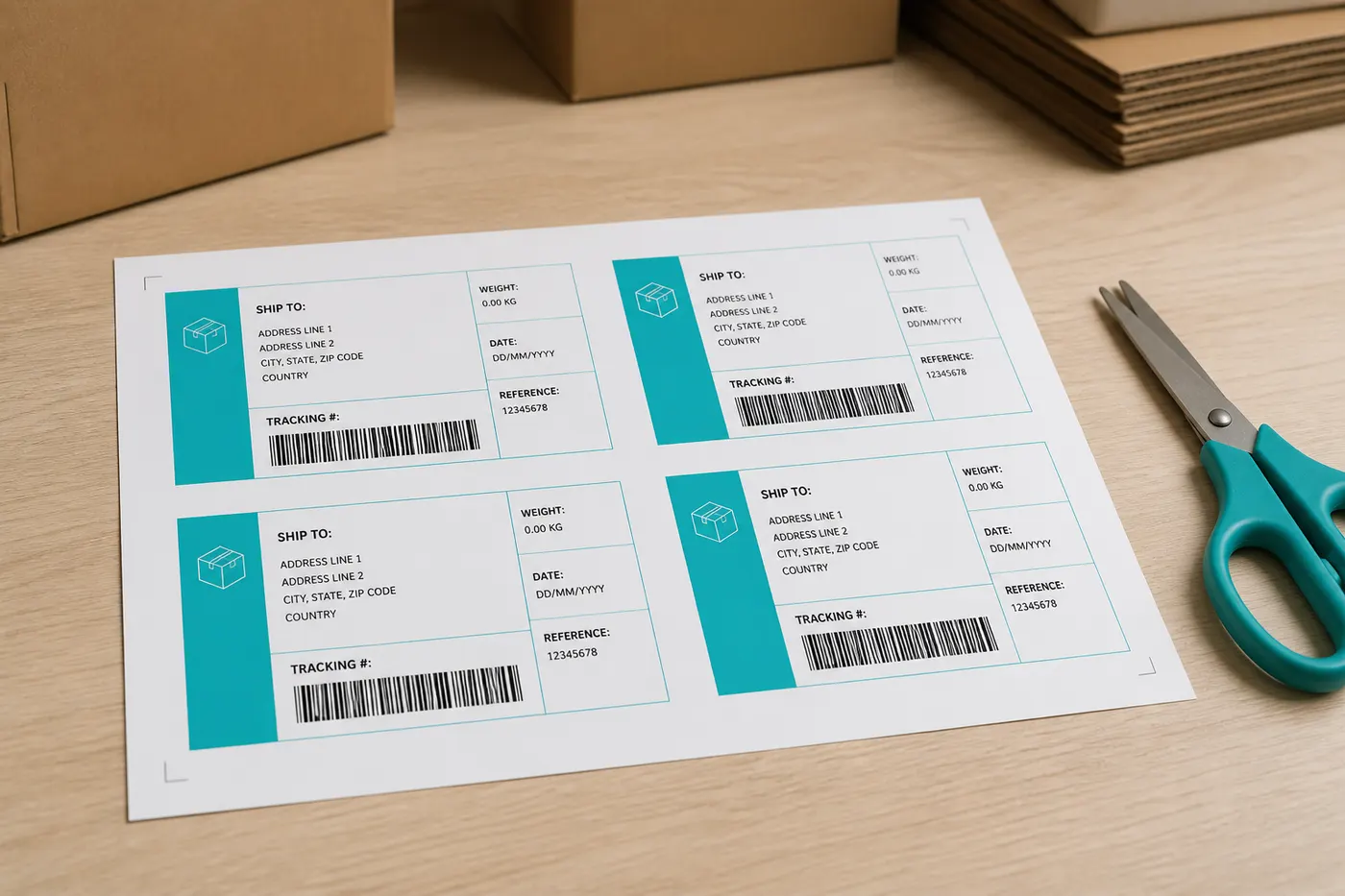
Batch is not A4 four-up
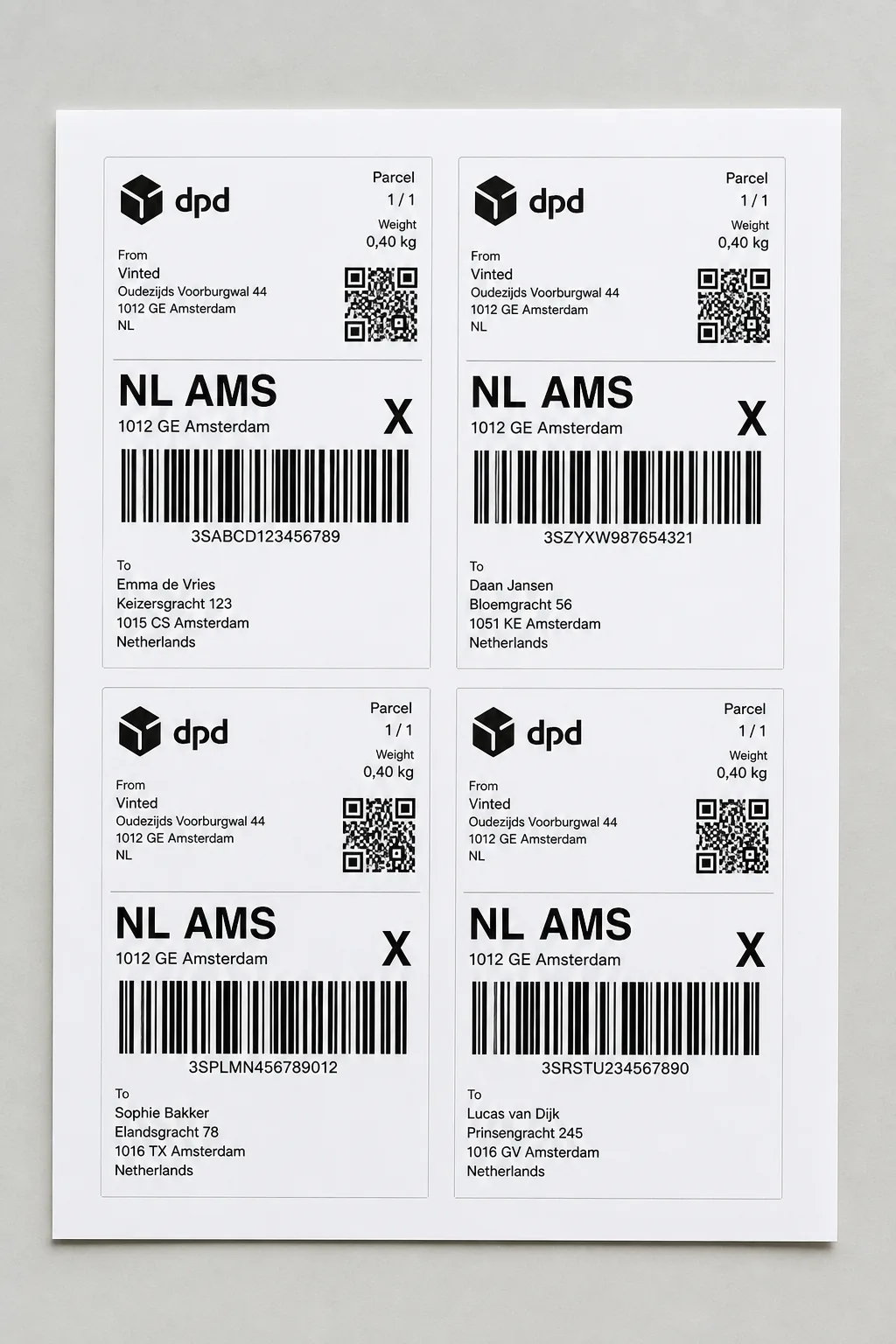
Free 4-up repeats the same cropped label four times on one sheet — handy for testing, not for ten different orders. Pro batch is one page per unique PDF, on 4×6, merged into one file.
Works with Vinted labels from these EU couriers





Volume without ten print dialogs
Unlimited conversions, 4×6 output, and multi-file merge. From €2.99 — less than an extra roll of labels.
From €2.99
Unlock ProFrequently asked questions
- Can I mix different carriers in one batch?
- Yes. Each PDF is detected separately. A PostNL order and a DHL order can sit in the same download.
- Does Free also put multiple labels on A4?
- Free places the same cropped label four times on one A4. That is not a batch of different orders. Several PDFs at once is Pro.
- Is there a maximum number of files?
- The limit depends on your browser and file size, not a server queue. Conversion stays on your device.
- Is LabelFit an official Vinted product?
- No. LabelFit is an independent tool and is not affiliated with Vinted or the couriers on your label.